

Arbor Parent Portal
What is Arbor
Arbor is our student database. You can view attendance, achievements and behaviour, receive messages, consent to trips and much more.
Communications are now digital, and we encourage all parents to download the Arbor app. The Arbor app can be downloaded by scanning the QR codes below and also from the Google Play store and in the Apple App Store. This will allow you to access Arbor on your mobile device.
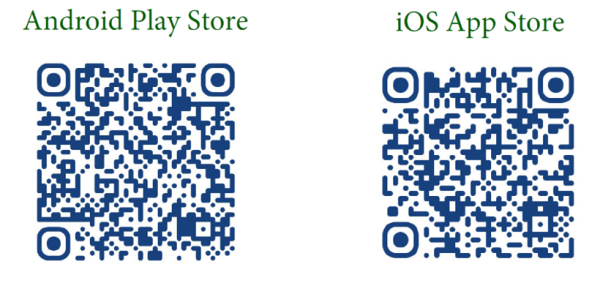
The site can also be accessed via web browser https://login.arbor.sc/. To ensure you can access all the system’s functions we recommend Google Chrome.
First Time Logging In
When accessing Arbor for the first time, use the email address that you gave to the school in your contact information as your username.
Click “First time logging in?” and set up your password.
When you log in for the first time only, it will ask you for your child’s date of birth and to tick the box stating that you accept Arbor’s standard terms and conditions.
Arbor Parent Portal Guides
There is lots of help for parents and guardians at the Arbor Help Centre.
Here are a few helpful guides that take you through some of the features of the Arbor parent portal.